
Hear the live stream you’re watching
in your own language.
Turn the tab audio of CHZZK, SOOP and YouTube live streams into real-time captions and interpreted voice.
Excerpted, with AI-translated captions and synthesized voice added. 생활코딩 is not affiliated with this service.
Get started
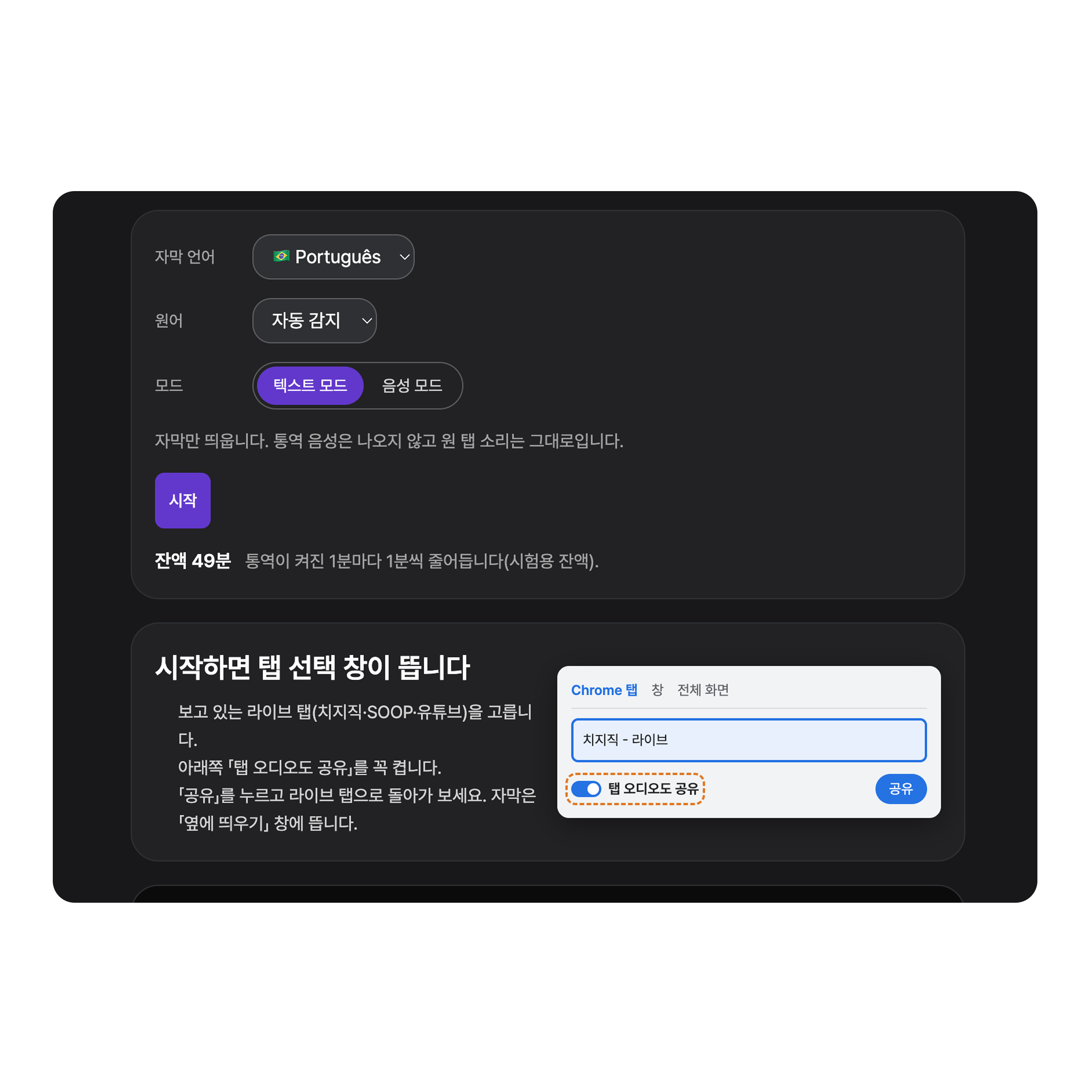
Open the media you want to watch in Chrome or Edge on desktop.
Pick your language, then choose Text mode to read captions only, or Voice mode to hear interpreted audio as well.
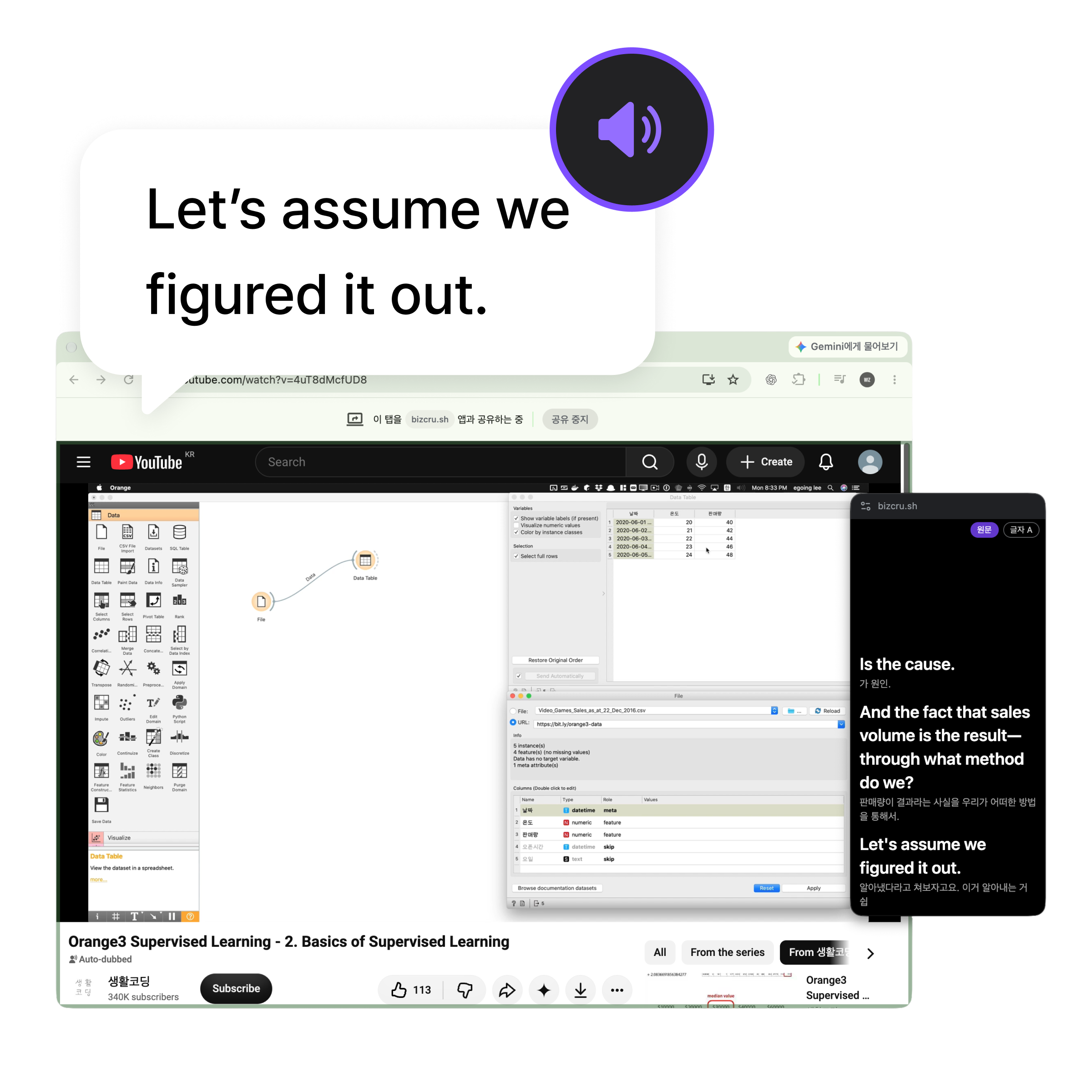
Enjoy the stream with real-time captions and voice translation.
Viewing modes

Keep the sound, read the captions
Listen to the original audio while reading translated captions. Interpreted voice doesn’t play in Text mode.
- Choose the caption language
- Captions in a separate window

Hear the interpretation while reading captions
Hear interpreted voice along with the captions.
- Real-time captions and interpreted voice
- Separate volume for original and translated audio (coming soon)
- AI dubbing in the original voice (coming soon)
Pricing
A BizCrush subscription includes TalkCrush too.
Gratis
$0
¿Qué está incluido?
- Hasta ~3 horas
- Incluye TalkCrush
Básico
Más Popular$7.99/mes
¿Qué está incluido?
- Hasta ~8 horas/mes
- Incluye TalkCrush
Pro
$29.99/mes
¿Qué está incluido?
- Hasta ~35 horas/mes
- Incluye TalkCrush
Empresa
Contáctenos
¿Qué está incluido?
- Gestión de facturación unificada
- Atención al cliente prioritaria
- Incluye TalkCrush
Incluido en cada plan
Todos los planes vienen con la experiencia BizCrush completa.
Sin muros de pago. Sólo se registran escalas de tiempo por plan.
- Traducción en tiempo real en 63 idiomas
- Transcripciones de conversaciones en vivo
- Sincronización automática de reuniones de Google Calendar
- Web, escritorio y móvil
- Detección y etiquetado automático de locutores
- Resúmenes y solicitudes de IA
Frequently asked questions
Which browsers are supported?
Which live tab should I pick?
I shared the tab, but no audio is coming through.
How are Text mode and Voice mode different?
Can I see captions in a separate window while watching?
Is the audio or are the captions saved?
How is usage time deducted?
Your favorite live streams, in your language
Connect your live tab and watch in Text or Voice mode.