
SEVENTEEN Weverse live with English translation (in real time)
When SEVENTEEN goes live on Weverse, open the live in Chrome or Edge on your computer, start CapCrush on the web in another tab and share the Weverse tab. You then hear the live as English interpreter voice or read it as captions, in real time — group lives and solo lives alike. Voice and captions are available in 60 languages, and you don’t need a Weverse membership for the translation. Now also on iPhone and Android with the CapCrush app (formerly BizCrush for K-pop Lives).


Recent SEVENTEEN lives
Lives spotted in public posts on X in the last 30 days. Times are in KST.
KST
The8
via @updatingsvt
SEVENTEEN
via @updatingsvt
The8
via @updatingsvt
KST
Jun
via @updatingsvt
KST
Seungkwan
via @updatingsvt
KST
Dino
via @updatingsvt
KST
Seungkwan
via @updatingsvt
KST
Jeonghan
via @updatingsvt
KST
SEVENTEEN
via @updatingsvt
KST
Dino
via @updatingsvt
KST
SEVENTEEN
via @updatingsvt
S.Coups
via @updatingsvt
SEVENTEEN member names
How member names are written in Korean, in romanized form and in English.
- 에스쿱스
- S.CoupsS.COUPS
- 정한
- JeonghanJEONGHAN
- 조슈아
- JoshuaJOSHUA
- 준
- JunJUN
- 호시
- HoshiHOSHI
- 원우
- WonwooWONWOO
- 우지
- WooziWOOZI
- 도겸
- DKDK
- 민규
- MingyuMINGYU
- 디에잇
- The8THE 8
- 승관
- SeungkwanSEUNGKWAN
- 버논
- VernonVERNON
- 디노
- DinoDINO
Watch a SEVENTEEN live in English in three steps
- 01
Open the SEVENTEEN live
When the live starts, play it on weverse.io in Chrome or Edge on your computer. Keep that tab open.
- 02
Pick English and a mode
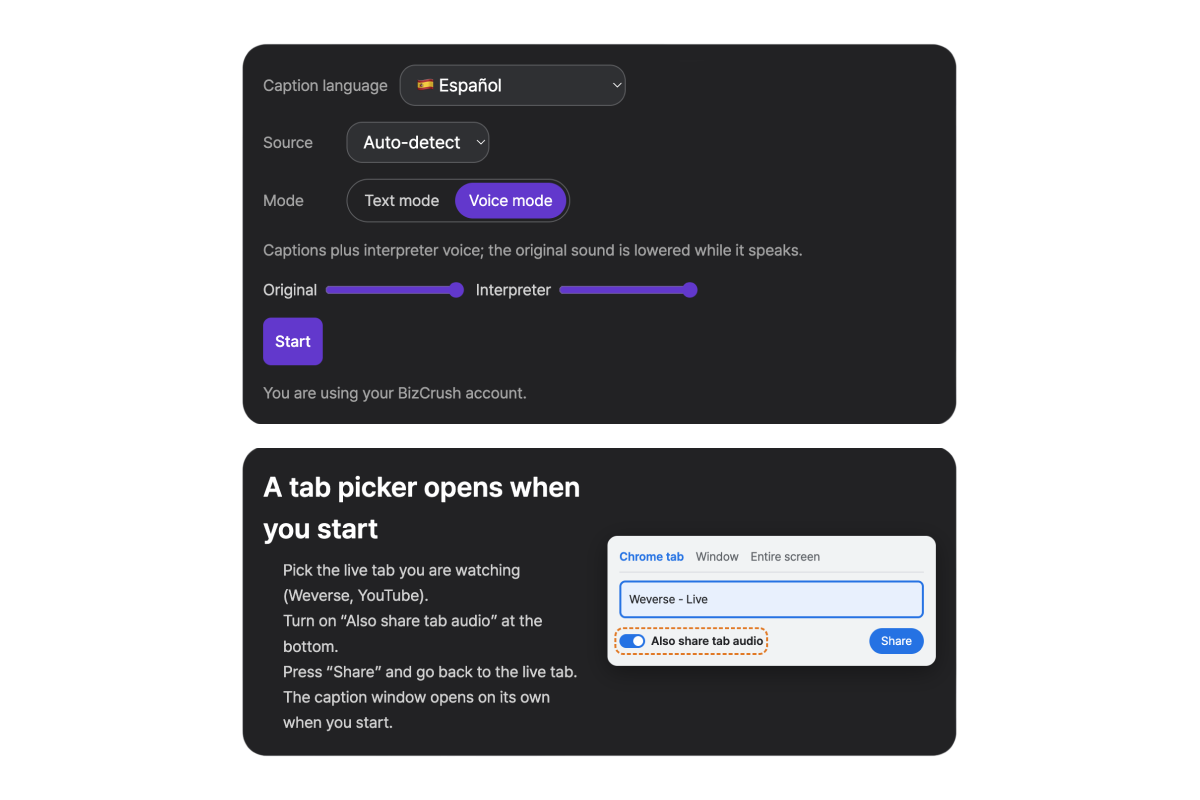
Open CapCrush on the web in a new tab. Choose English, then Voice mode to hear the interpretation or Text mode to read captions only.
- 03
Share the Weverse tab
Press Start, choose the Weverse tab, turn on “Also share tab audio” and press Share. Captions open in a window next to the live.
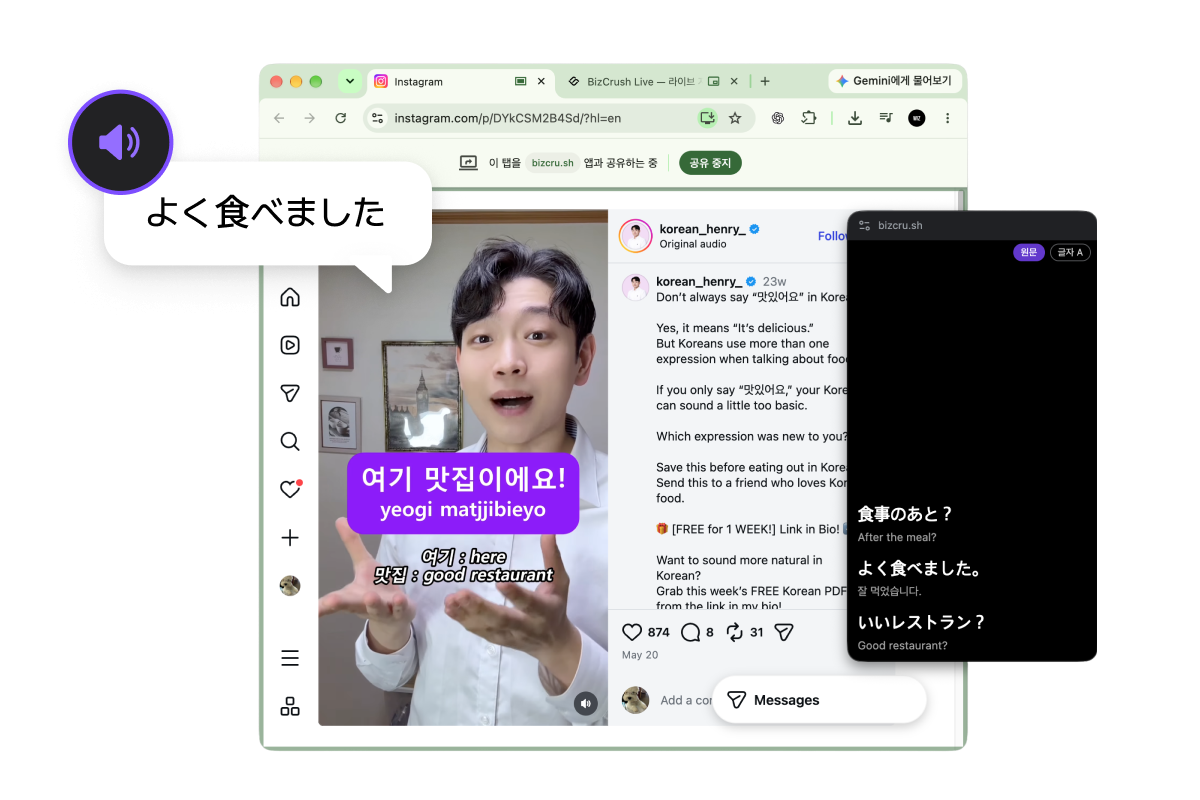
Video: Instagram @korean_henry_
- 01
Choose your language
Open the CapCrush app and pick the language you want captions in.

- 02
Start the screen broadcast
Start CapCrush from the iOS screen broadcast, so it can listen to the sound of the app you’re watching.
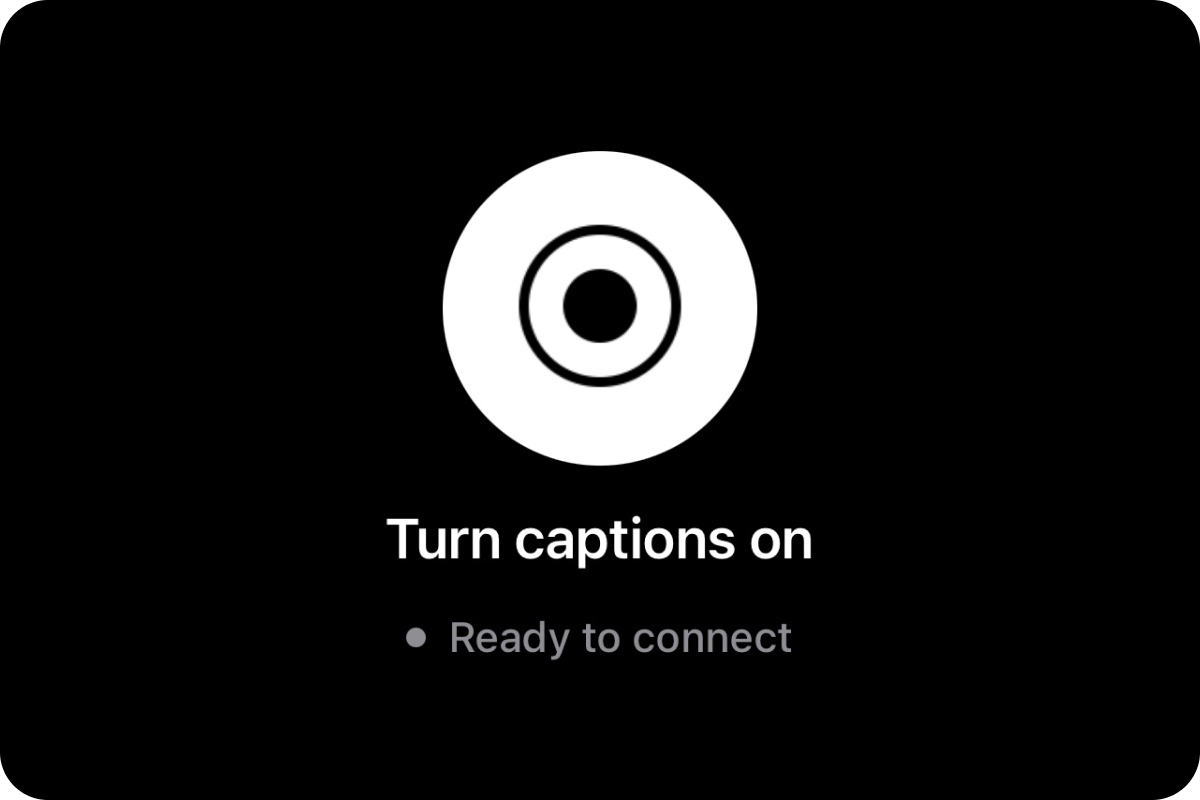
- 03
Go back to your app
Go back to the app with the live or video and play it. Captions appear in a small window on top.
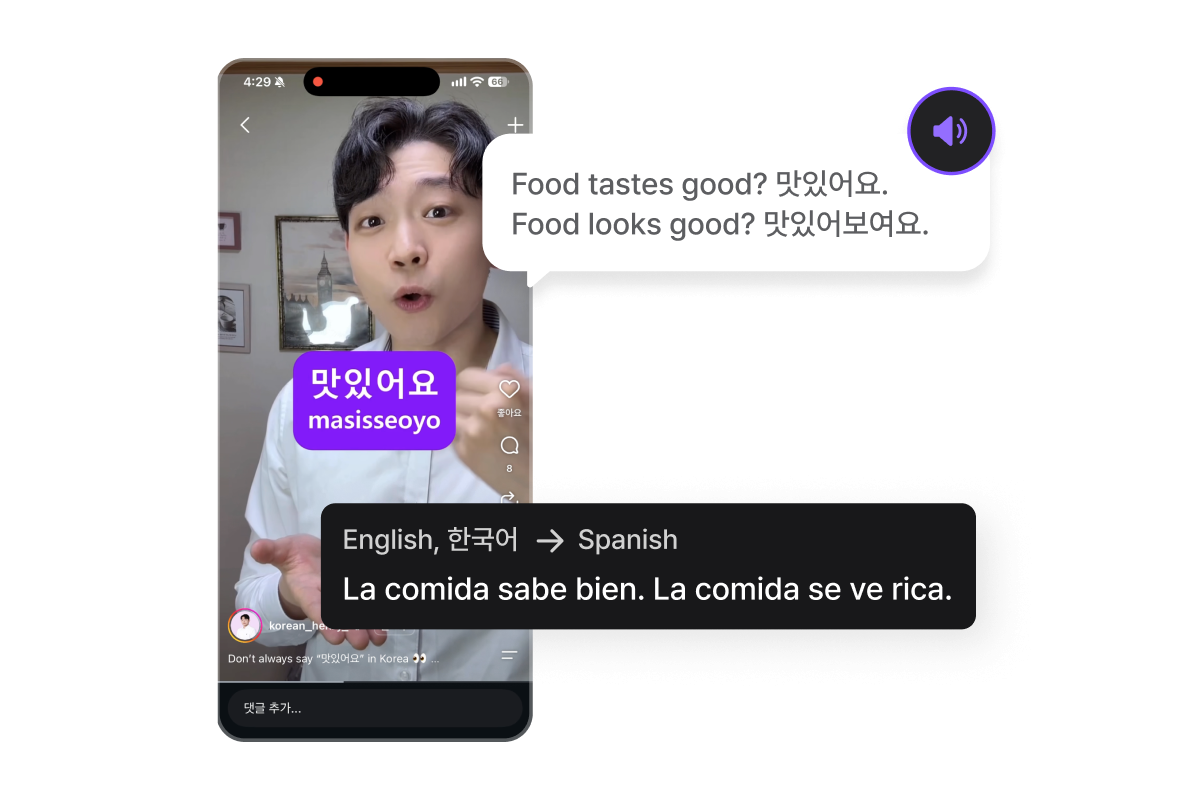
Video: Instagram @korean_henry_
- 01
Choose your language
Open the CapCrush app and pick the language you want captions in.
- 02
Allow the permissions
Allow “Display over other apps” and screen and audio capture, so CapCrush can show captions on top and listen to the sound of the app you’re watching.
- 03
Play your video app
Go back to the app you were watching and play the live or video. Captions appear in a small window on top.
Frequently asked questions
Do I need a Weverse membership to translate a SEVENTEEN live?
Can I use it on my phone?
Are songs translated too?
Is it free?
BizCrush is not affiliated with Weverse, HYBE, SEVENTEEN or their agency. Group and member names are used only to say which lives this guide is about.
Try it on the next SEVENTEEN live
Open the live, then start CapCrush on the web in another tab.