
Hear the live stream you’re watching
in your own language.
Turn the tab audio of CHZZK, SOOP and YouTube live streams into real-time captions and interpreted voice.
Excerpted, with AI-translated captions and synthesized voice added. 생활코딩 is not affiliated with this service.
Get started
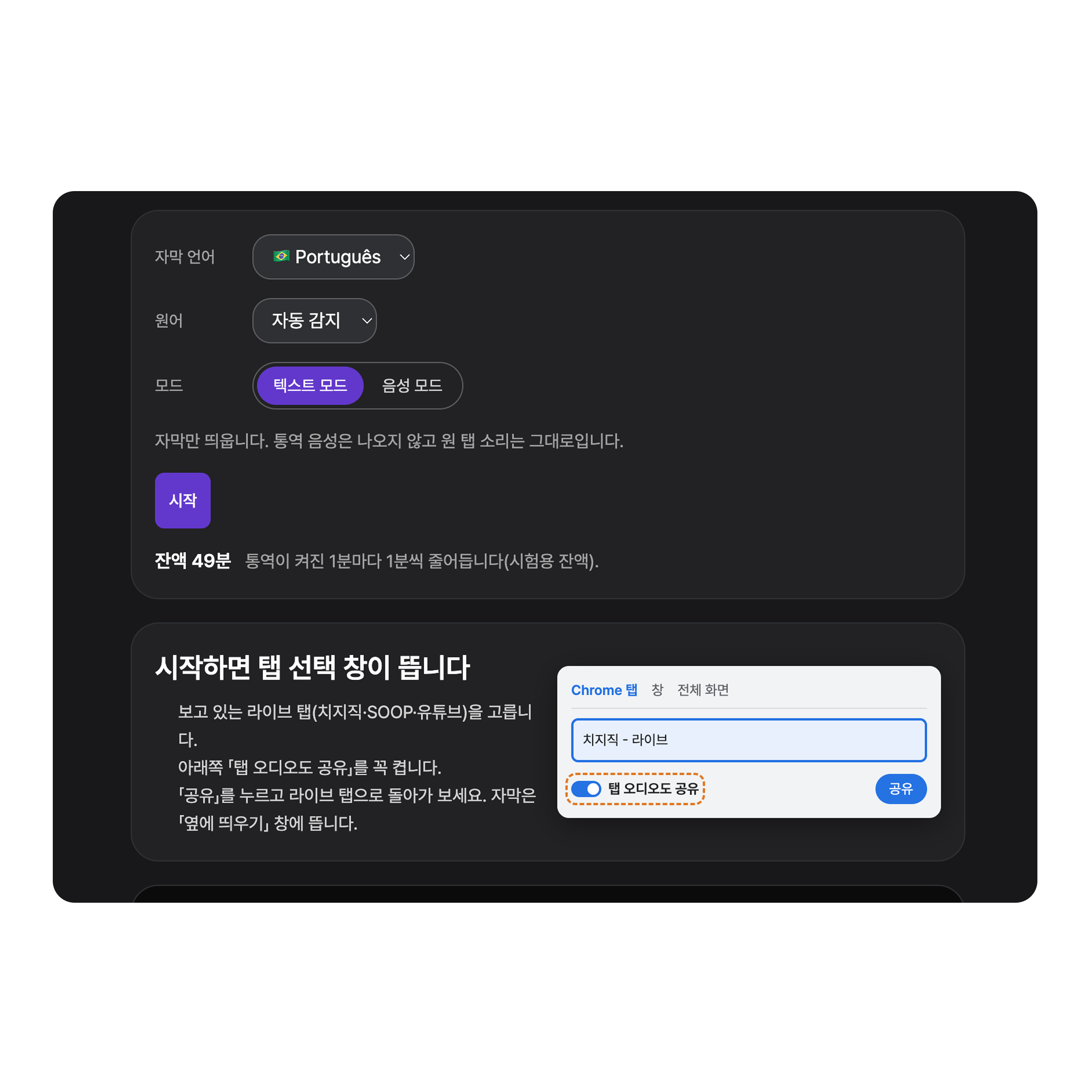
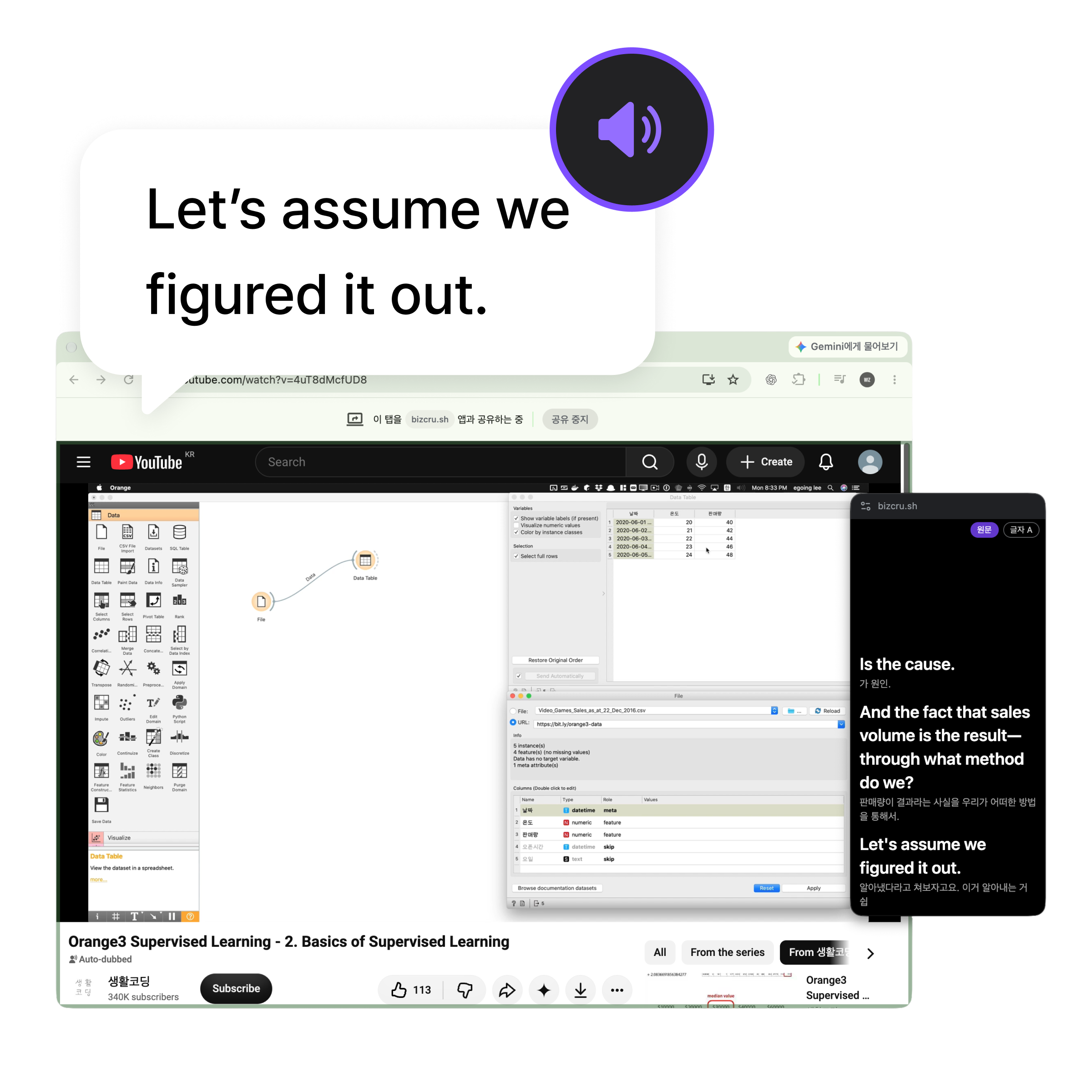
Open the media you want to watch in Chrome or Edge on desktop.
Pick your language, then choose Text mode to read captions only, or Voice mode to hear interpreted audio as well.
Enjoy the stream with real-time captions and voice translation.
Viewing modes

Keep the sound, read the captions
Listen to the original audio while reading translated captions. Interpreted voice doesn’t play in Text mode.
- Choose the caption language
- Captions in a separate window

Hear the interpretation while reading captions
Hear interpreted voice along with the captions.
- Real-time captions and interpreted voice
- Separate volume for original and translated audio (coming soon)
- AI dubbing in the original voice (coming soon)
Pricing
A BizCrush subscription includes TalkCrush too.
Gratuito
$0
O que está incluído
- Até ~3 horas
- TalkCrush incluído
Básico
Mais popular$7.99/mês
O que está incluído
- Até ~8 horas/mês
- TalkCrush incluído
Pro
$29.99/mês
O que está incluído
- Até ~35 horas/mês
- TalkCrush incluído
Enterprise
Fale conosco
O que está incluído
- Gestão de faturamento unificada
- Suporte prioritário ao cliente
- TalkCrush incluído
Incluído em todos os planos
Todos os planos vêm com a experiência BizCrush completa.
Nada bloqueado: só o tempo de gravação muda por plano.
- Tradução em tempo real em 63 idiomas
- Transcrição de conversas ao vivo
- Sincronização automática de reuniões do Google Agenda
- Web, desktop e celular
- Detecção e identificação automática de falantes
- Resumos e prompts de IA
Frequently asked questions
Which browsers are supported?
Which live tab should I pick?
I shared the tab, but no audio is coming through.
How are Text mode and Voice mode different?
Can I see captions in a separate window while watching?
Is the audio or are the captions saved?
How is usage time deducted?
Your favorite live streams, in your language
Connect your live tab and watch in Text or Voice mode.