
Guide
Weverse subtitles not showing? What to check
First check the basics: the subtitle (CC) button is on in the player, your membership is active for that artist, the subtitle language is set, and the app or browser is up to date — subtitles can also appear a little after a live starts. If they still don’t show, you can translate the live yourself: open it in Chrome or Edge on a computer and share the tab with BizCrush Live for real-time interpreter voice or captions in 60 languages.
If subtitles still don’t appear
01
Open the live on a computer
Play the Weverse live in Chrome or Edge.
02
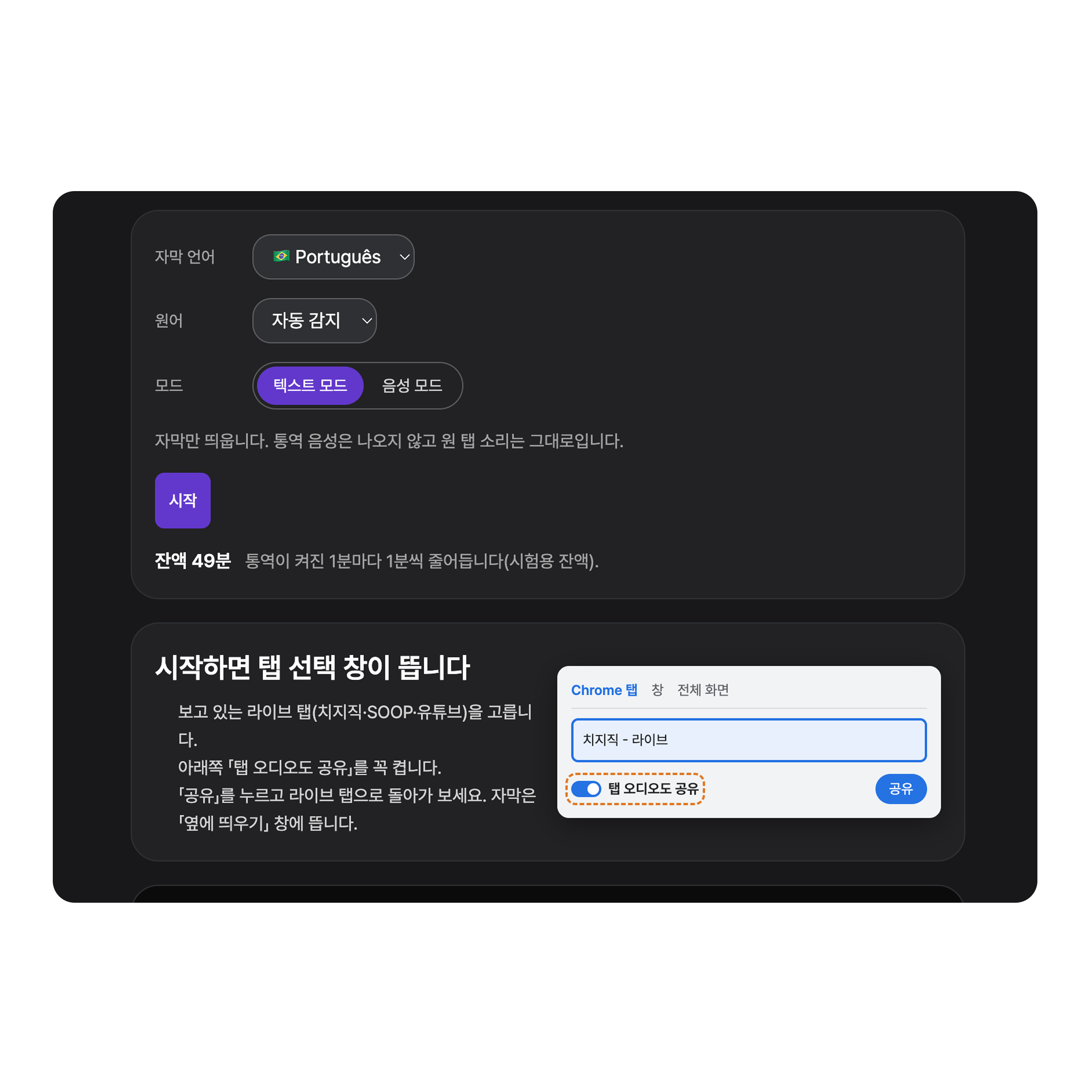
Pick your language and mode
Open BizCrush Live in a new tab and choose your language and Voice or Text mode.
03
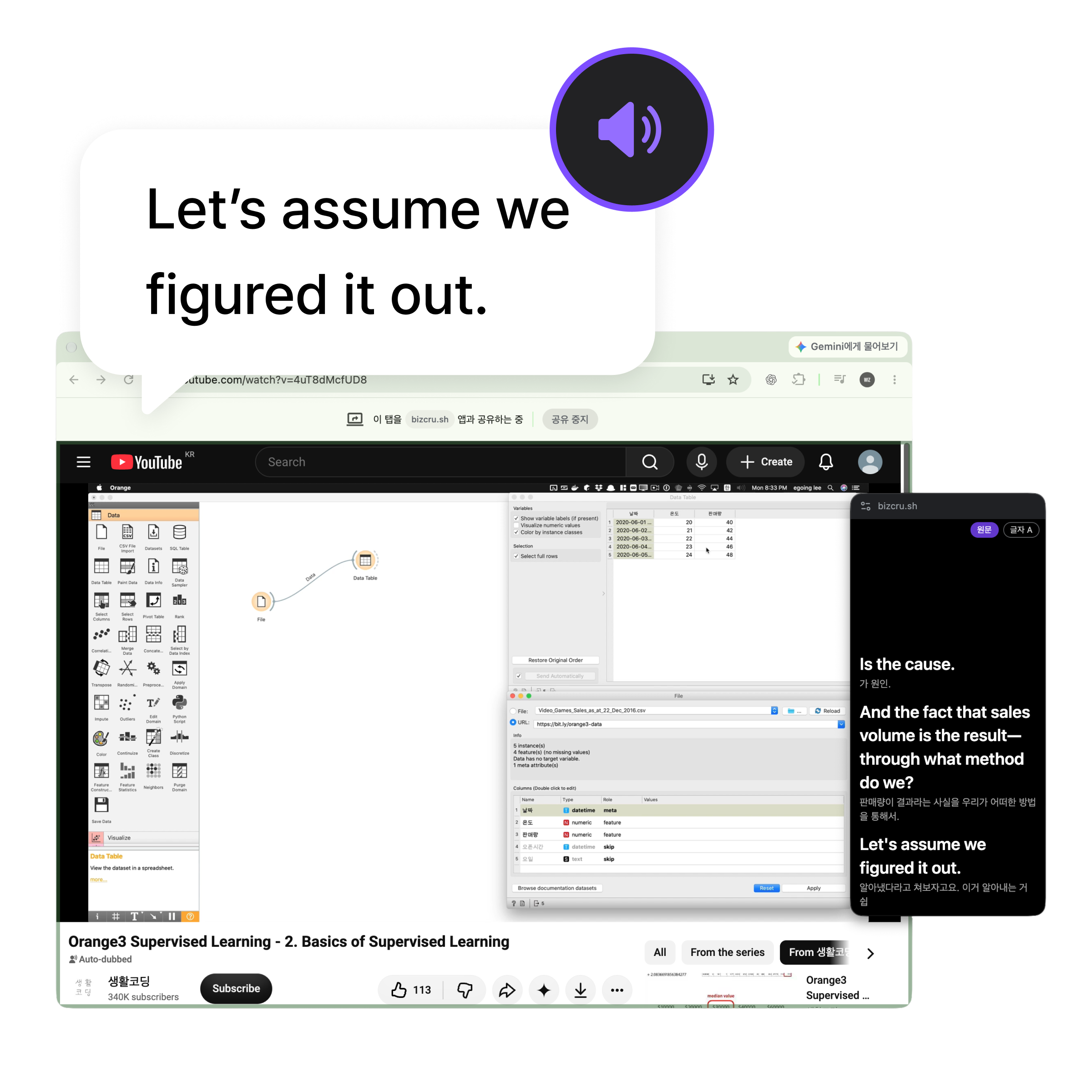
Share the Weverse tab
Press Start, choose the Weverse tab, turn on “Also share tab audio”, and press Share.
Good to know
- BizCrush can’t fix Weverse’s own subtitles. It adds its own translation next to the live.
- Computer only — not the Weverse phone app.
- If a paid video won’t play in Chrome, Weverse recommends Edge.
Frequently asked questions
Why are Weverse subtitles missing on some lives?
Automatic subtitles depend on the membership, the language and the live itself, and can take a moment to appear. Check Weverse’s notices for the current rules.
Do I need a membership for BizCrush?
Not for the translation. You only need to be able to watch the live.
Are songs translated?
Yes. Both talking and singing are translated.
Is it free?
You can try it for 5 minutes without logging in, and a free BizCrush account gives you 3 hours.