
Guide
Hear K-pop lives in English with a real-time interpreter voice
BizCrush Live listens to the live playing in your browser tab and speaks it in your language right away, with captions alongside. Choose Voice mode to hear the interpretation while the original sound goes quieter, or Text mode to read captions only. It works on Weverse, YouTube and other lives in Chrome or Edge on a computer, in 60 languages, and translates both talking and singing.
Three steps
01
Open the live
Play the live in Chrome or Edge on your computer.
02
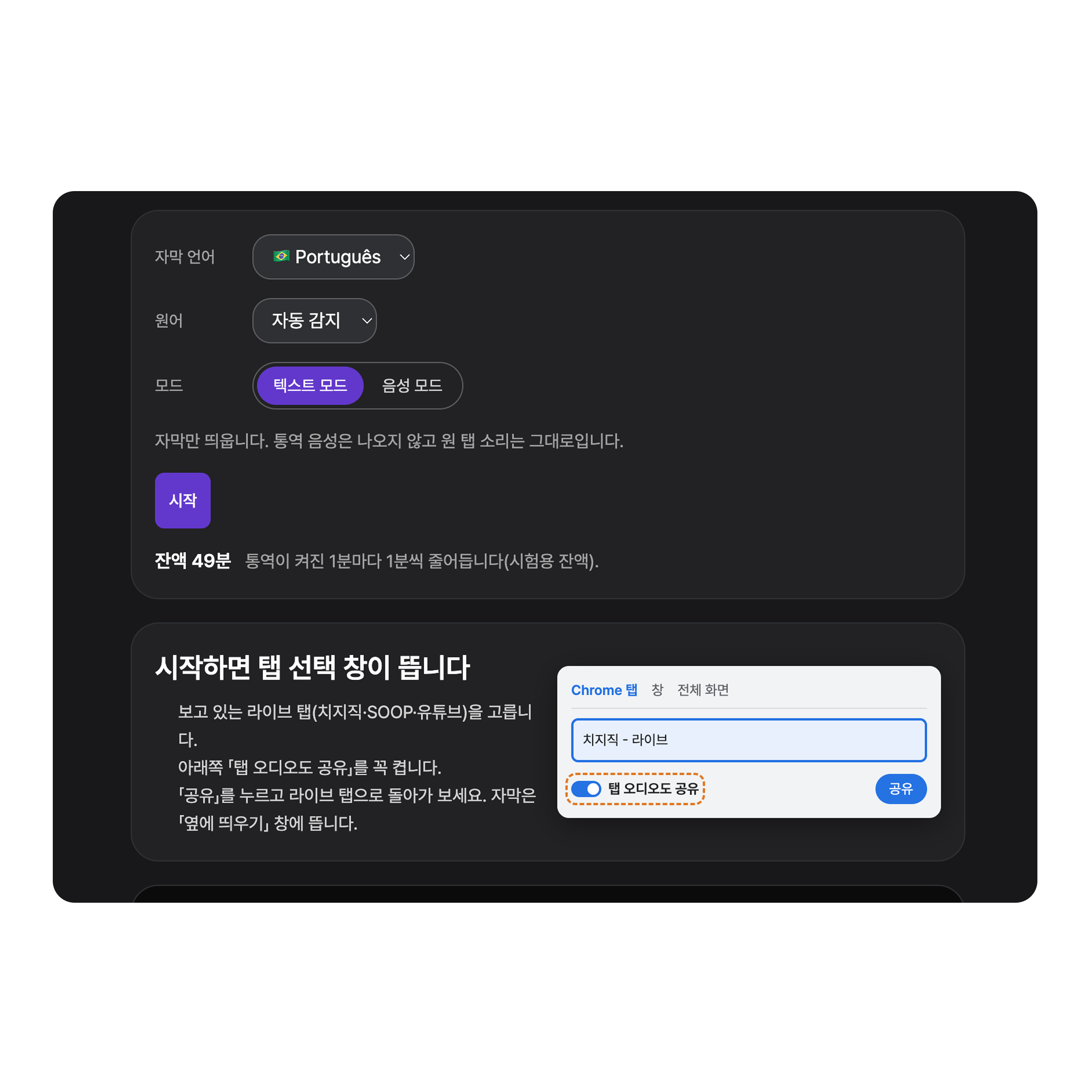
Choose Voice mode
Open BizCrush Live in a new tab, pick English (or another language) and choose Voice mode.
03
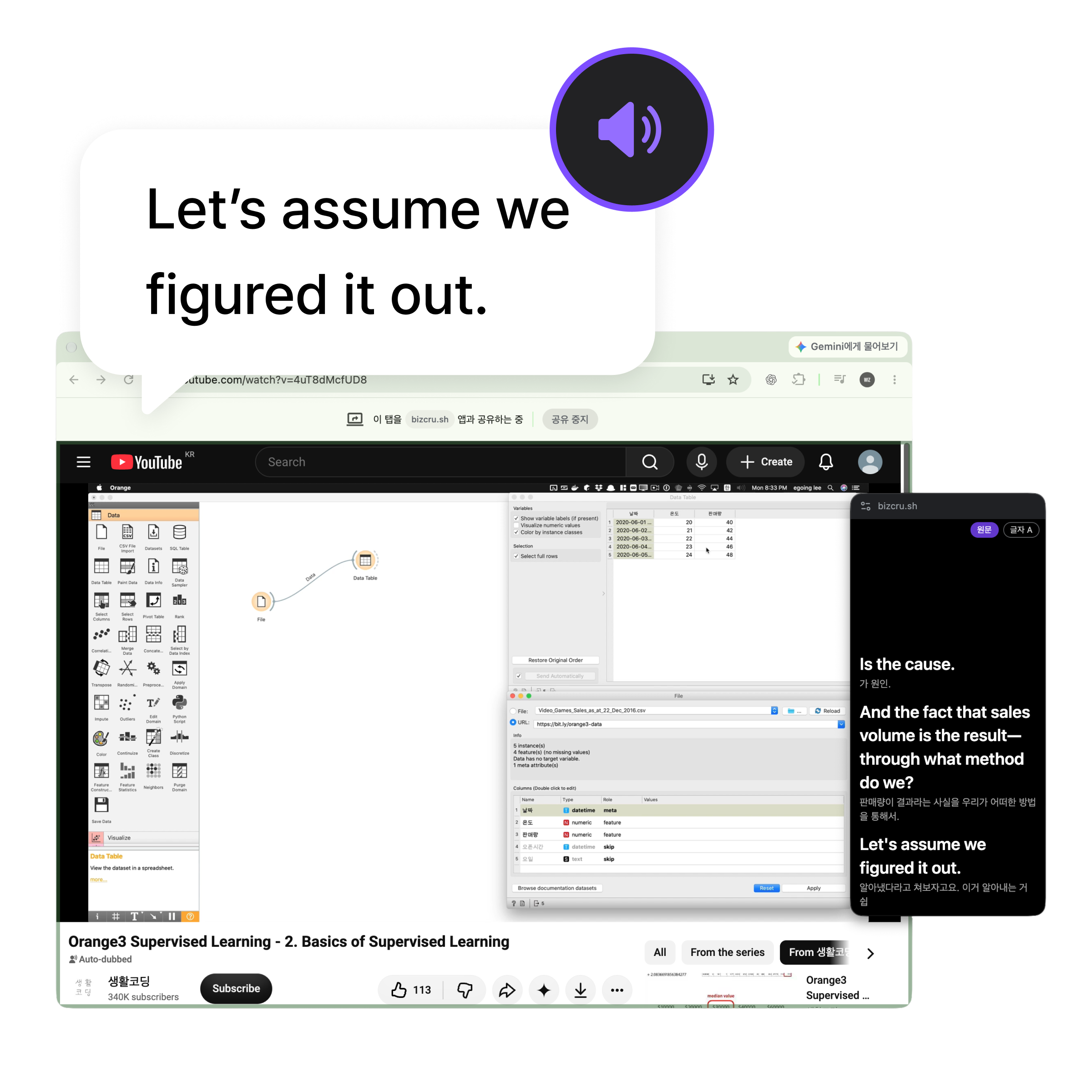
Share the live tab
Press Start, choose the live’s tab, turn on “Also share tab audio”, and press Share. You hear the interpretation in a moment.
Good to know
- The interpreter voice follows a moment behind the speaker.
- Computer only — not phone apps.
- Names, nicknames and wordplay can be missed or translated literally.
Frequently asked questions
Can I hear the original voice too?
Yes. In Voice mode the original audio goes quieter while the interpretation plays, then comes back.
Which languages can I hear?
Interpreter voice and captions in 60 languages.
Are songs translated?
Yes. Both talking and singing are translated.
Is it free?
You can try it for 5 minutes without logging in, and a free BizCrush account gives you 3 hours.
Hear the next live in your language
Open the live, then start BizCrush Live in another tab.