
Every word
you used to miss.
One recording gives you the transcript,
the interpretation, and the report.

Getting started


Hit record and begin your meeting.
Follow the transcript and translation in real time.
Results flow into Slack and Notion so work keeps moving.
Put it to work
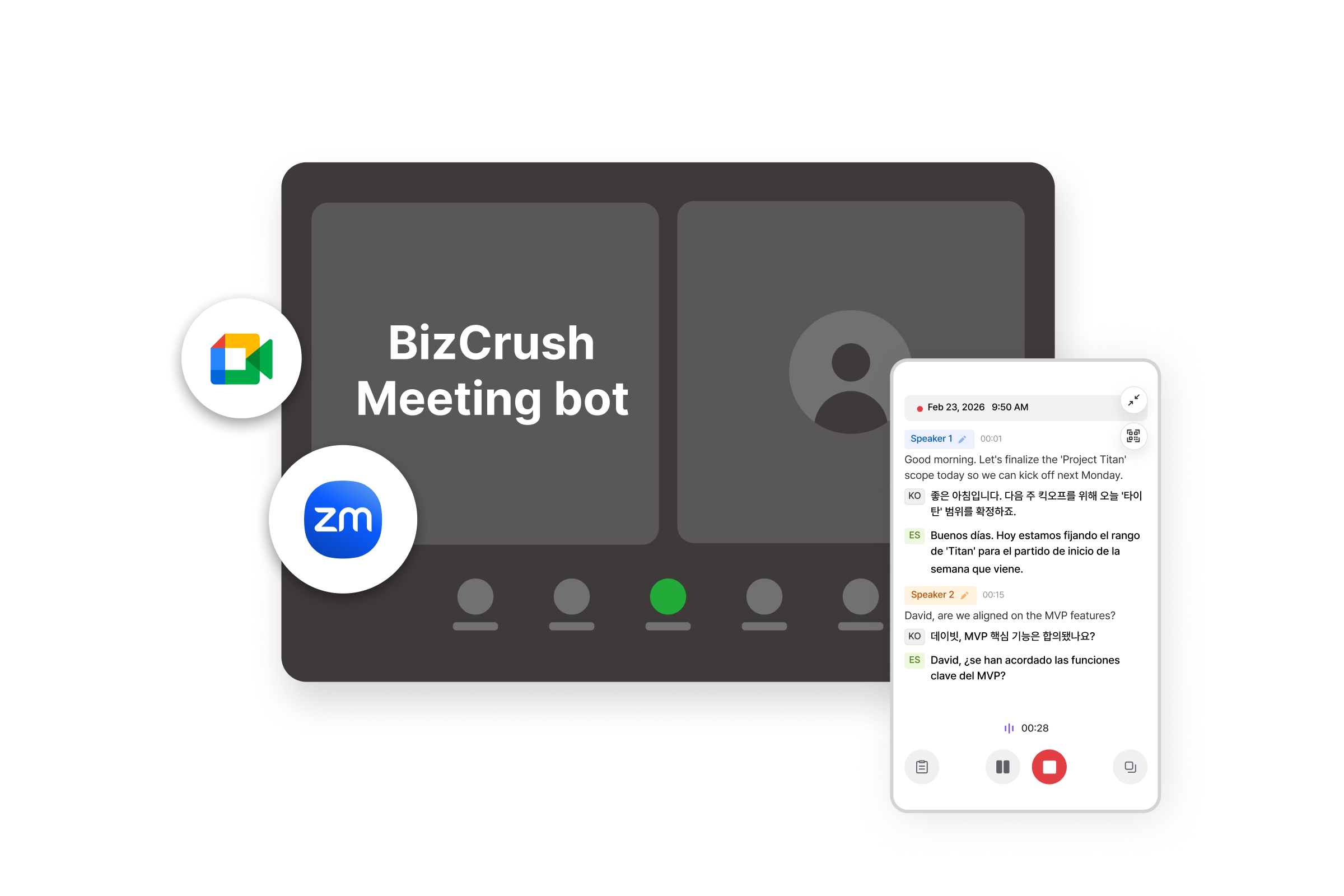
Global video calls
Capture live captions and translation automatically, then share a multilingual summary the moment the call ends.
- Works with your meeting tools
- Live captions and translation
- Multilingual summaries to share
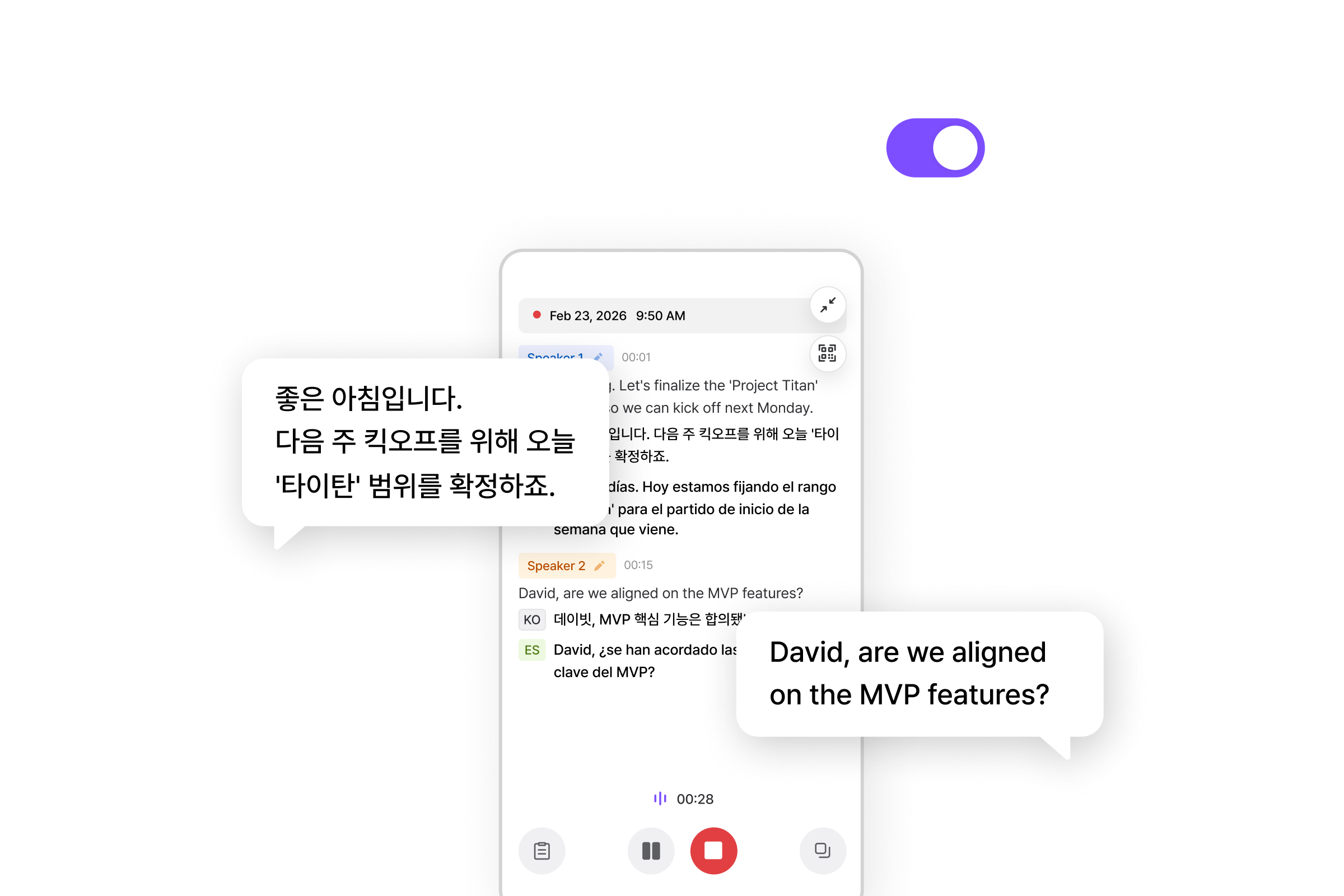
Customer conversations
Respond faster with automatic translation across 60 languages, and keep every conversation on record.
- Automatic language detection
- Conversation history in one place
- Upload existing call audio
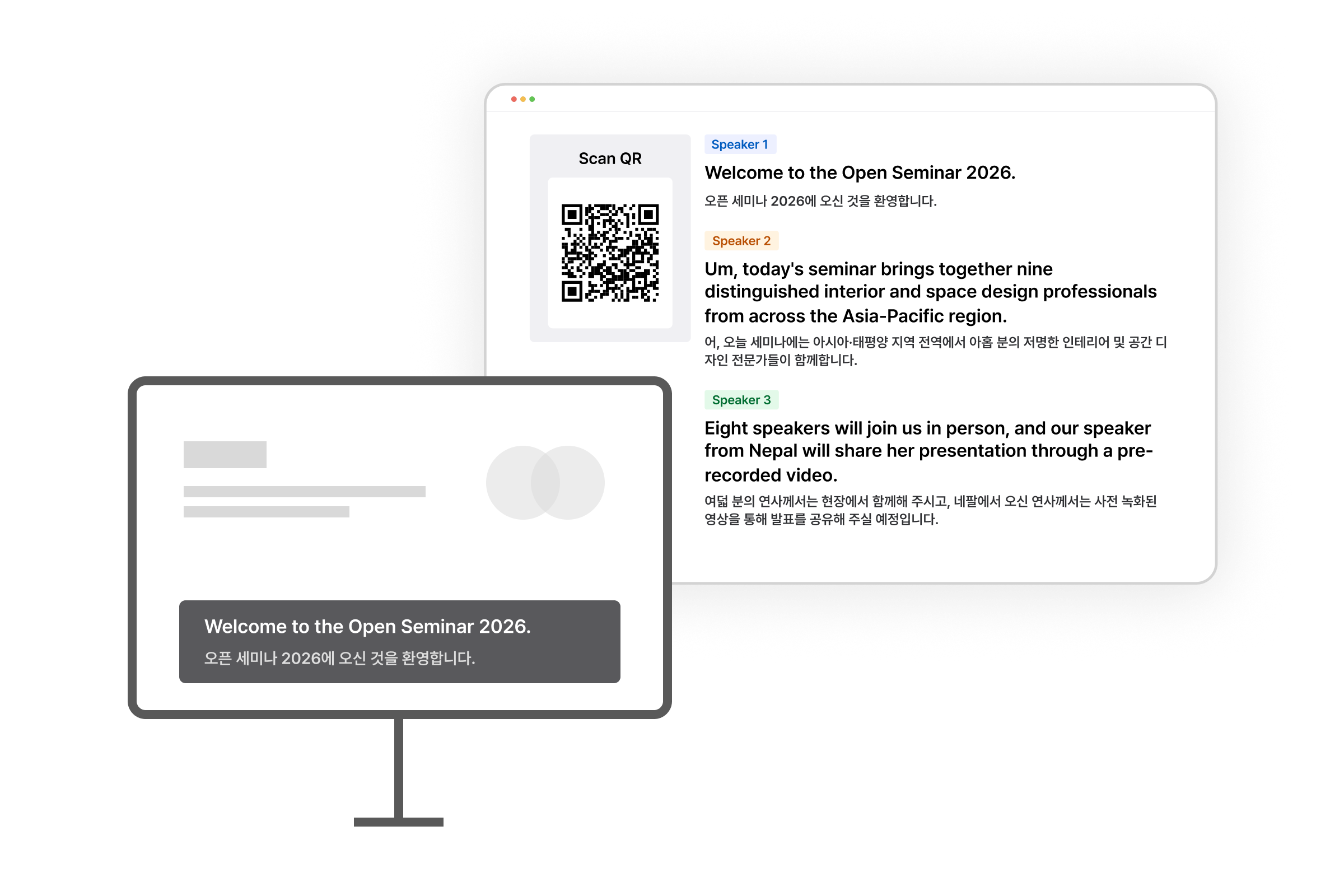
Large-scale events
Broadcast live captions from the stage so every attendee can follow along in their own language.
- Share by QR code
- Live translated captions
- Presentation mode


Security
Encrypted in transit
Encrypted with TLS 1.2 or above, following the published security standards of Google Cloud and Soniox.
Never used for training
Recorded audio and its transcripts are never used to train models.
Audio retention policy
Audio is held on Google Cloud only for processing and is deleted within 48 hours.
Pricing
Yearly billing is available on the web only. It is not supported on mobile.
Free
$0
Recording Time
- Up to ~3 hours
Basic
Most Popular$7.99/month
Recording Time
- Up to ~8 hours /month
Pro
$29.99/month
Recording Time
- Up to ~35 hours /month
Enterprise
Contact us
What's included
- Unified billing management
- Priority customer support
* Listed hours exclude live transcription and interpretation. Using live interpretation or multilingual features consumes additional tokens.
* We recommend turning those features off when you are not using them.
Included in every plan
All plans come with the full BizCrush experience.
No feature paywalls. Only recording time scales by plan.
- Real-time translation in 60 languages
- Live conversation transcripts
- Automatic Google Calendar meeting sync
- Web, desktop, and mobile
- Automatic speaker detection and labeling
- AI summaries and requests